
Last updated: Dec 15, 2025
DEVELOPER
IMPLEMENTATION
HEALTH TECH VENDOR
This article is for existing customers who want to either:
- implement a new connection
- expand an existing connection by requesting a new two-party subscription
For beta cloud connectivity users
- You must have completed onboarding to Redox and implemented at least one connection.
- Use Network Explorer to see which systems Redox already integrates with.
- If you can’t find the system you’re looking for, review our process for adding a new system adapter to our network.
- Log in to the Redox dashboard.
- From the navigation menu, click the Connections page.
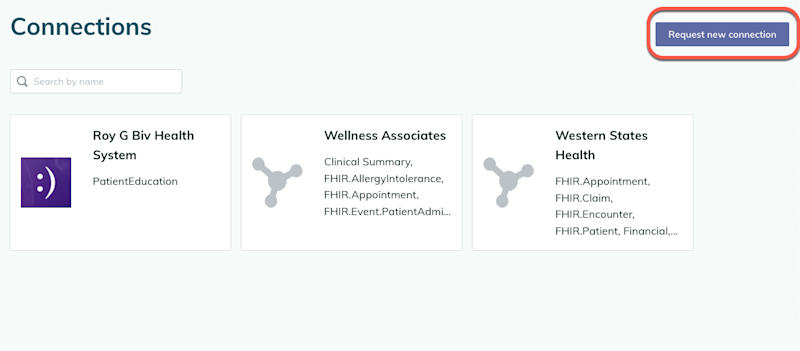
- The Active subscriptions tab opens with all your existing subscriptions. Click the Request new connection button in the top-right corner.

Request a new connection - The Connection Request Form opens. Fill out the required fields in the form.
- On the Connection scope tab, specify whether you’re requesting a new connection or a new subscription with an existing connection.
- When you finish filling out the form, submit the connection request form.

Submitting a new connection request form triggers a Project Request Form in the Redox Help Center and an email to notify the partner organization you requested to connect with. As the logged-in user that initiated the request, you’re copied on that email.
For requesting a new connection, view the implementation process to understand next steps.
For requesting a new subscription, a Redoxer will be in touch with you to expand the scope of an existing connection.